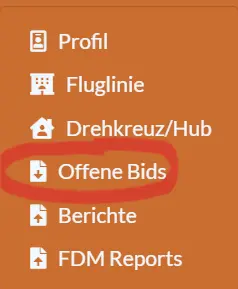
Smartcars 3 -- First Steps
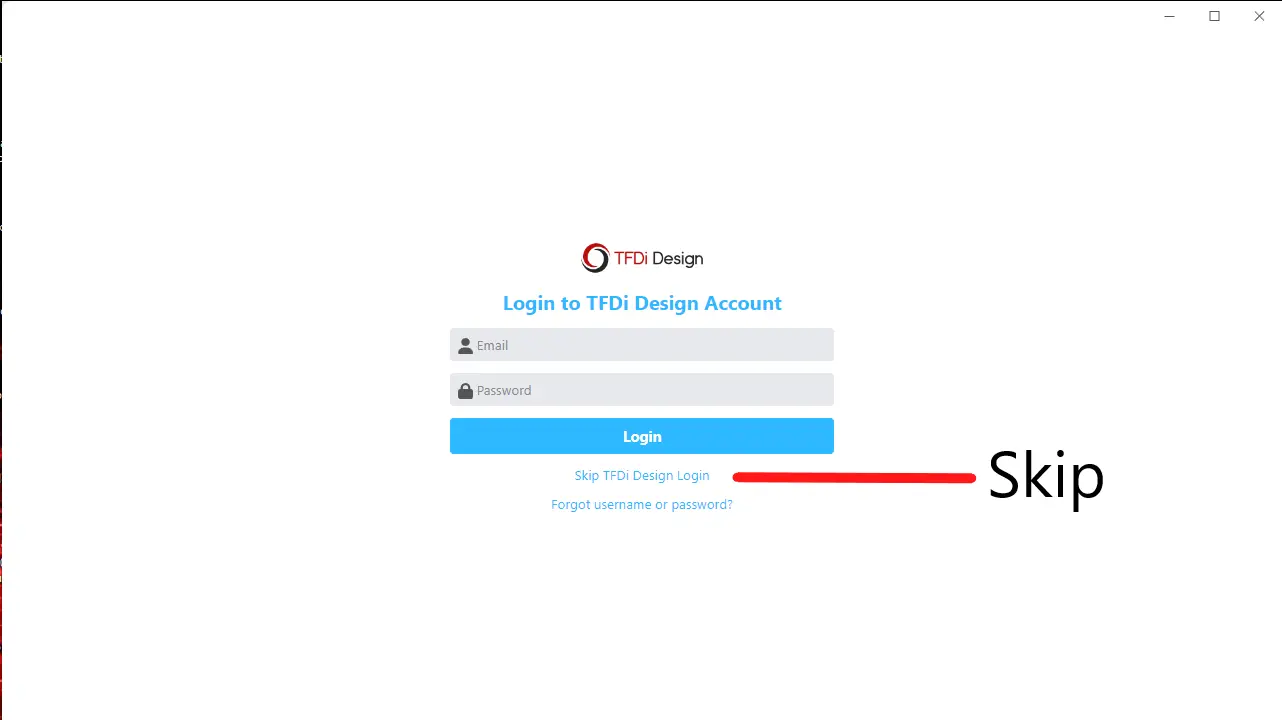
Erste Schritte
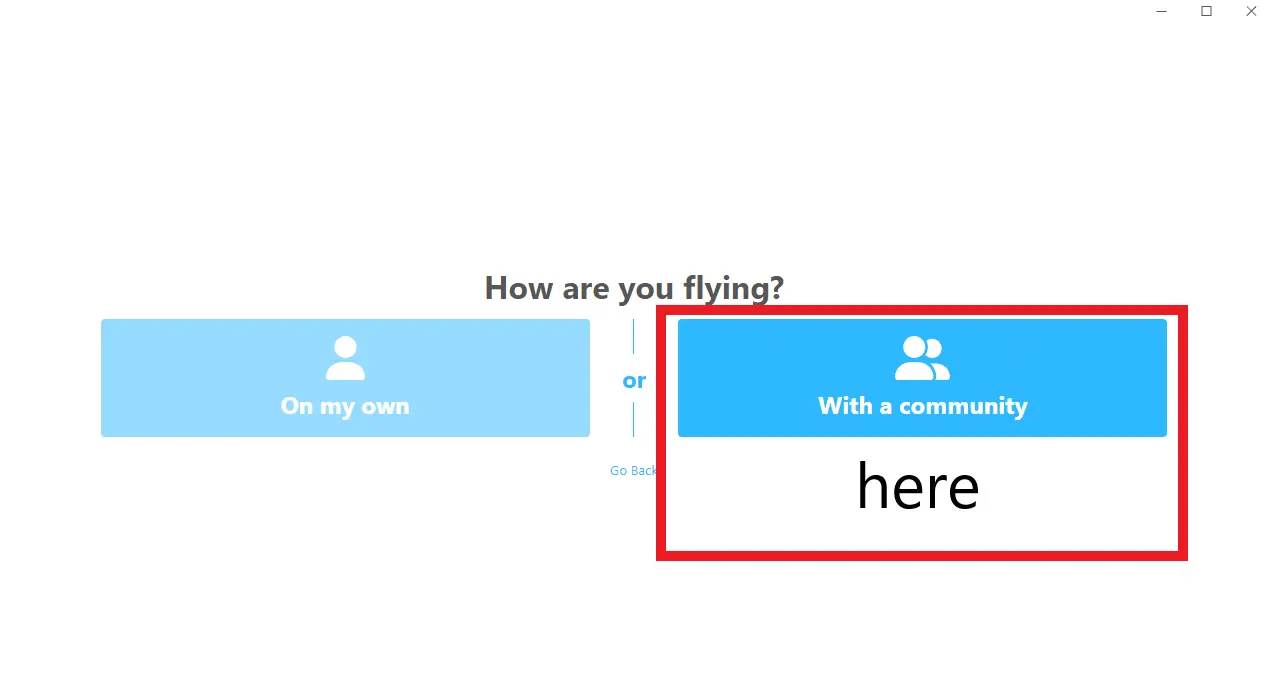
Finde unsere Community - FSCloudVA
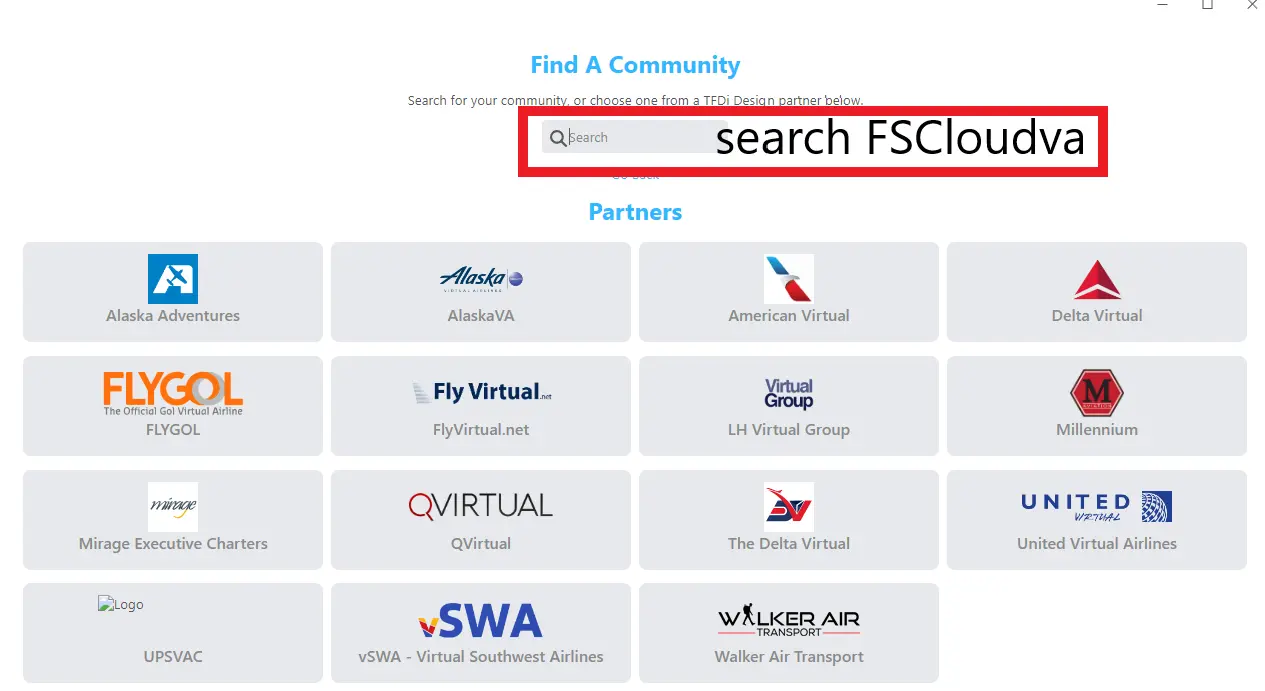
Suche nach der FSCloudVA
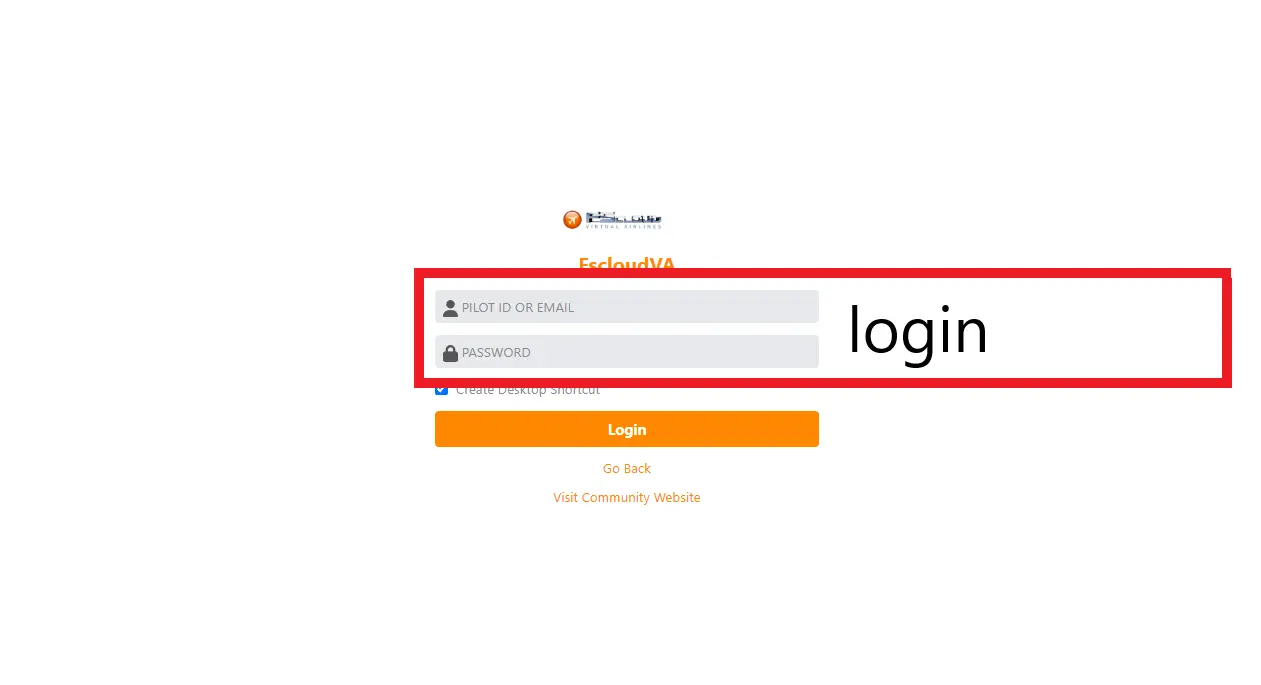
Melde Dich mit deinem Account von unserer Homepage an

Willkommen und Spass haben
Tutorial Videos mit freundlicher Unterstützung © by Bronator ❤
How to fly FS Cloud Tours?
- To start a tour you simply have to fly the legs, after the tour begin date and time. Dont start to early :-) Smartcars Client has to be started and active on your flights.
- After you finished the leg and your pirep is accepted, you will move to the next leg in the list.
- You can fly the next legs also while your last pireps are pending, but if there is a problem you have to fly the last legs again.
- After completion you will see the award in your pilots profile.
- The legs have to be flown in the right order, but not in a row. That means you can do other flights between the legs, or change the tour. It is possible to fly several tours at same time.
- On FS Cloud Tours, you have the option to BID the leg. Then Smartcars will automatically bid on this flight. If you like to generate a flightplan by simbrief you can click on the simbrief button. You need a simbrief account to do that, but it's free.
- Have fun ! And feel free to contact us in discord if there is any problem.
Get in touch
 Join us: FSCloud VA
 tattomann on tour
System-Status
SMARTCARS Tutorials
Downloads for registered users only :)
How to delete bids?